
You'll need:
- Slash N Forge installed on your device. Check here for the most recent version.
- A file or files imported for editing.
Exporting Individual Frames
- In the Slash N Forge window, hold the ctrlKey (ctrl on Windows & Linux, command on Apple) + e.
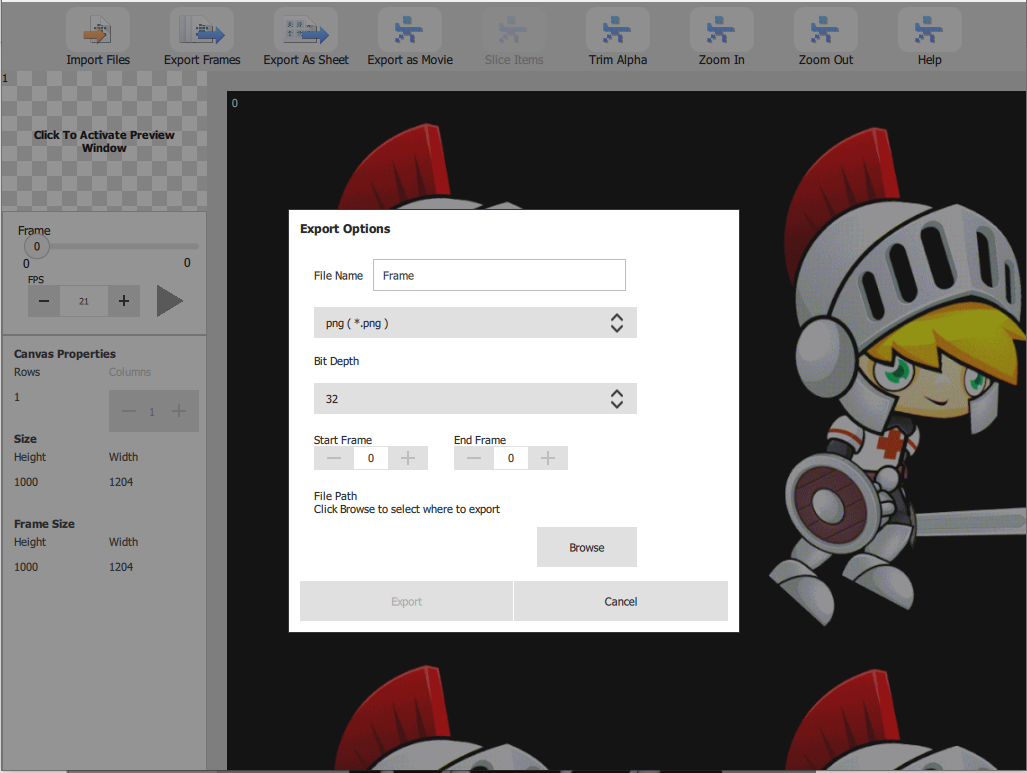
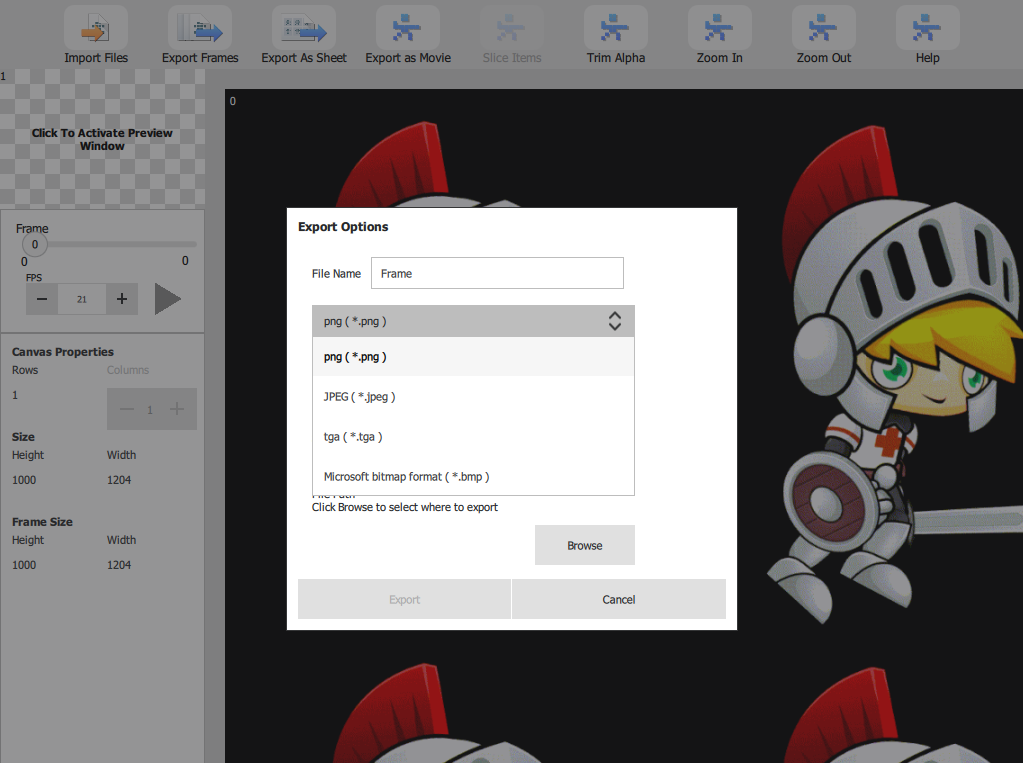
- Select export options from the menu.
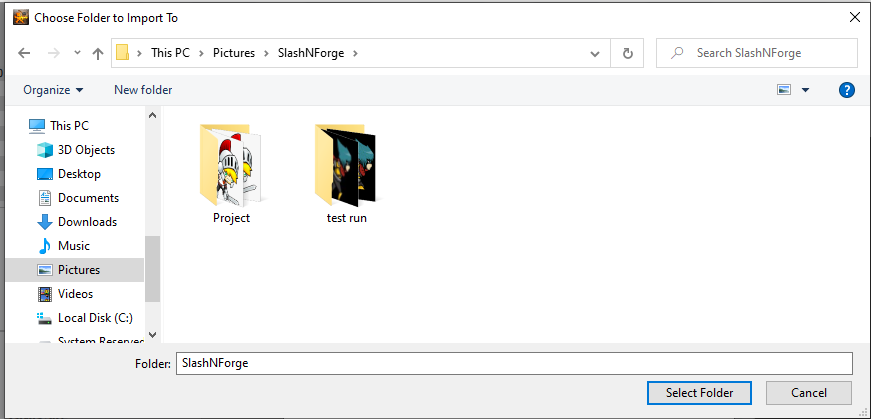
- Browse to Destination Folder.
- Click Export.
Windows:
We hope this helped give you get started moving around the interface. For more information about how to use the product, visit our Help page.