
You'll need:
- Slash N Forge installed on your device. Check here for the most recent version.
- A file or files imported for editing.
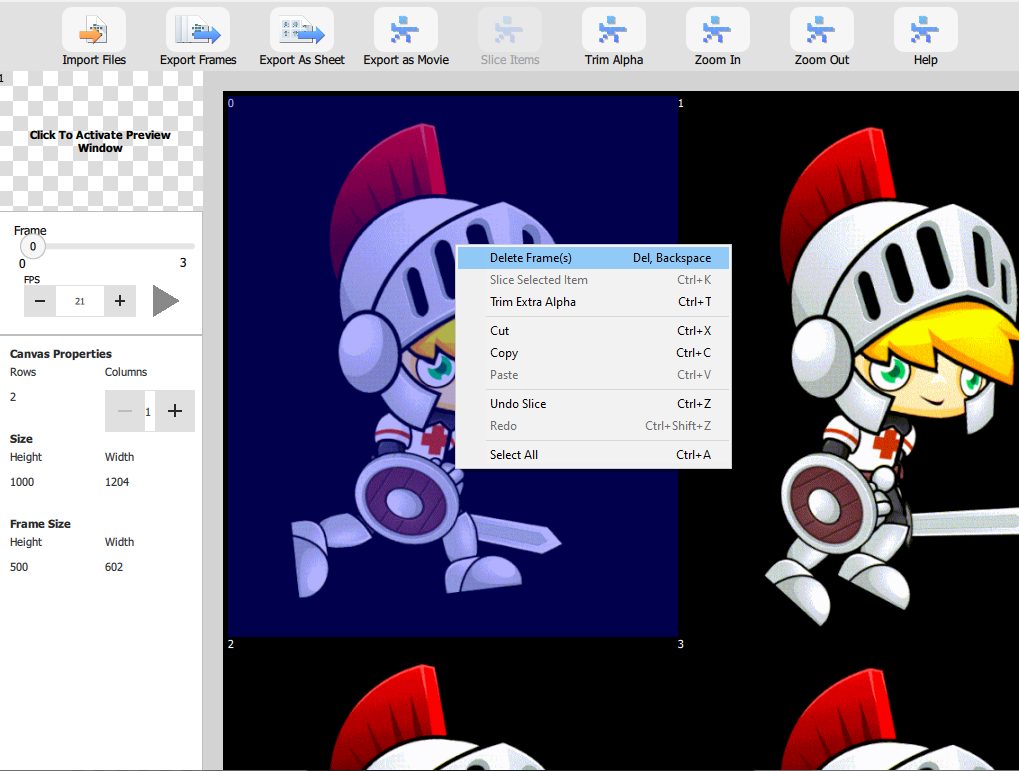
Delete one Frames
Right-Click the frame you want to delete. Click "Delete Frame(s)."
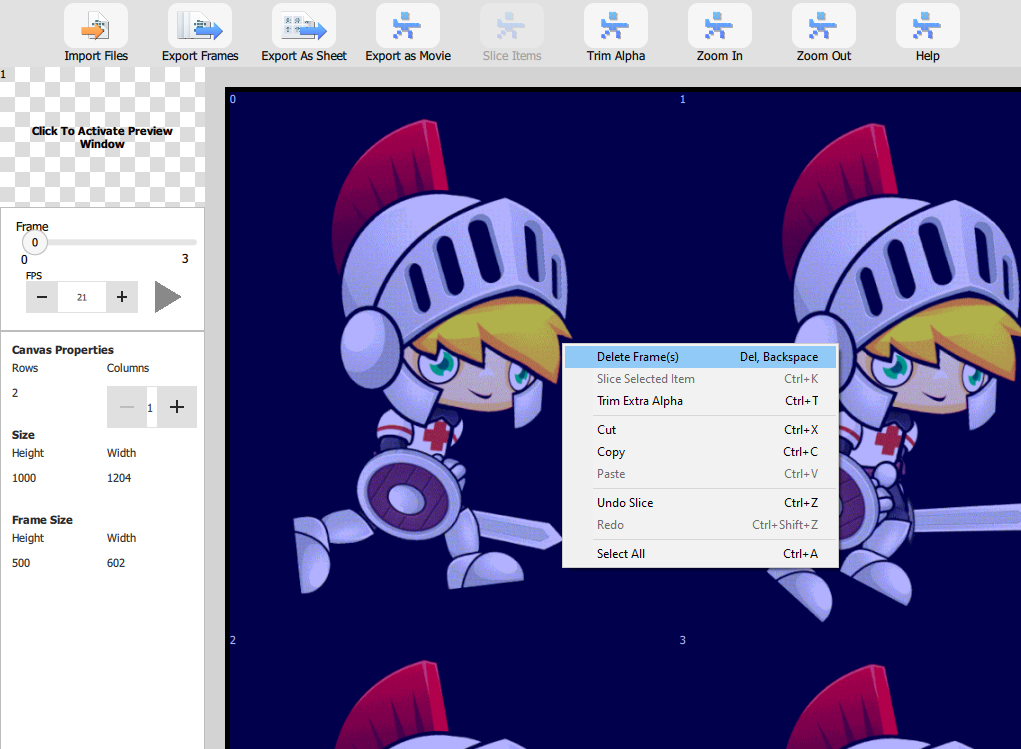
Delete Multiple Frames
Highlight the frames you want to delete, either individually or with Shift-Click. Right-click and select "Delete Frame(s)."
We hope this helped give you get started moving around the interface. For more information about how to use the product, visit our Help page.