
You'll need:
- Slash N Forge installed on your device. Check here for the most recent version.
- A sprite sheet imported for editing.
Splicing a Sheet
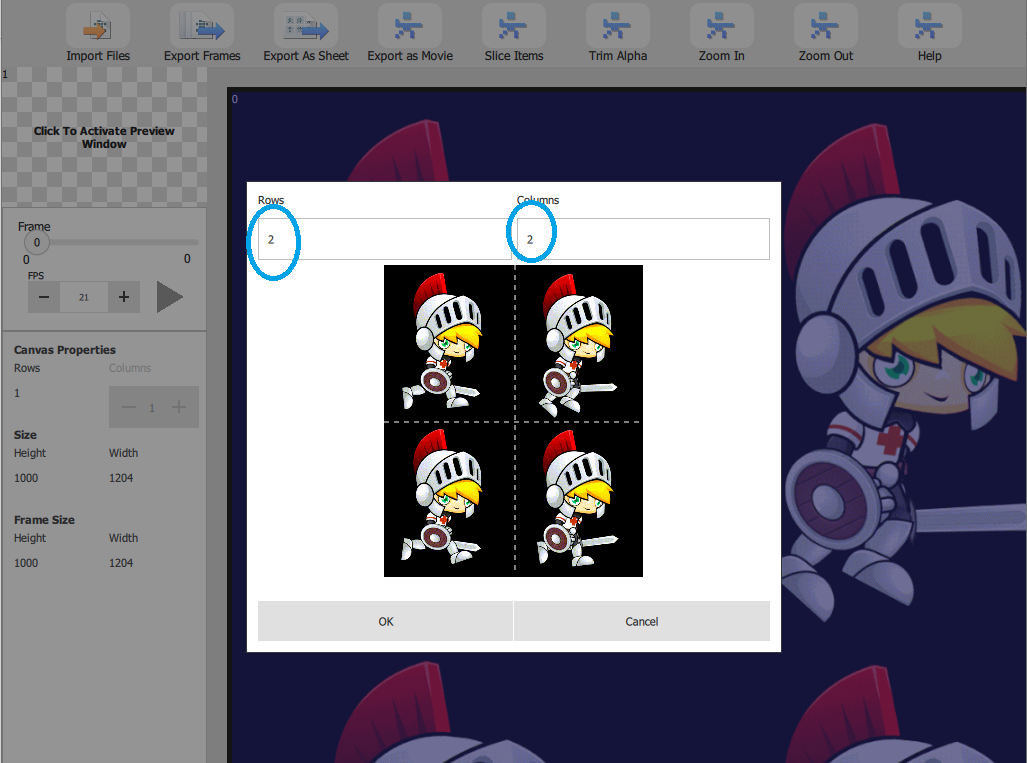
- In the Slash N Forge window, hold the ctrlKey (ctrl on Windows & Linux, command on Apple) + k.
- Select number of Rows and Columns on the sheet.
- Click Okay.
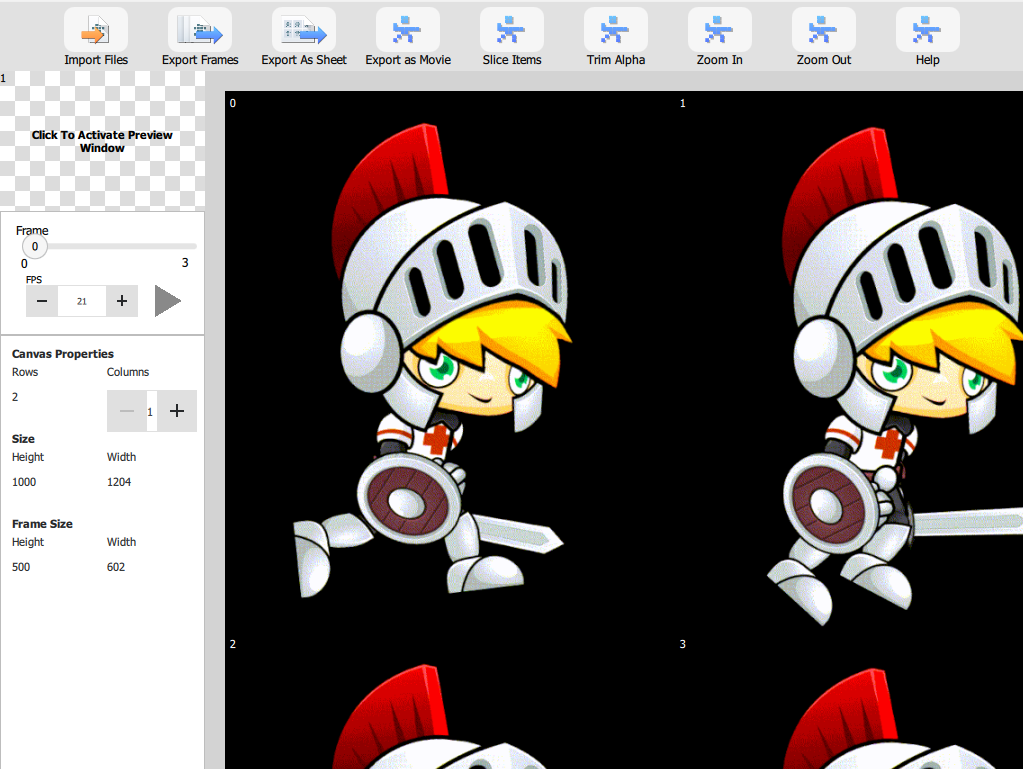
Your sheet is now broken into frames.
We hope this helped show you how easy our tool makes working with sprite sheets. For more information about how to use the product, visit our Help page.