
You'll need:
- Slash N Forge installed on your device. Check here for the most recent version.
- A file or files imported for editing.
Splicing your Sheet
If you haven't already done so, splice your Sprite Sheet.
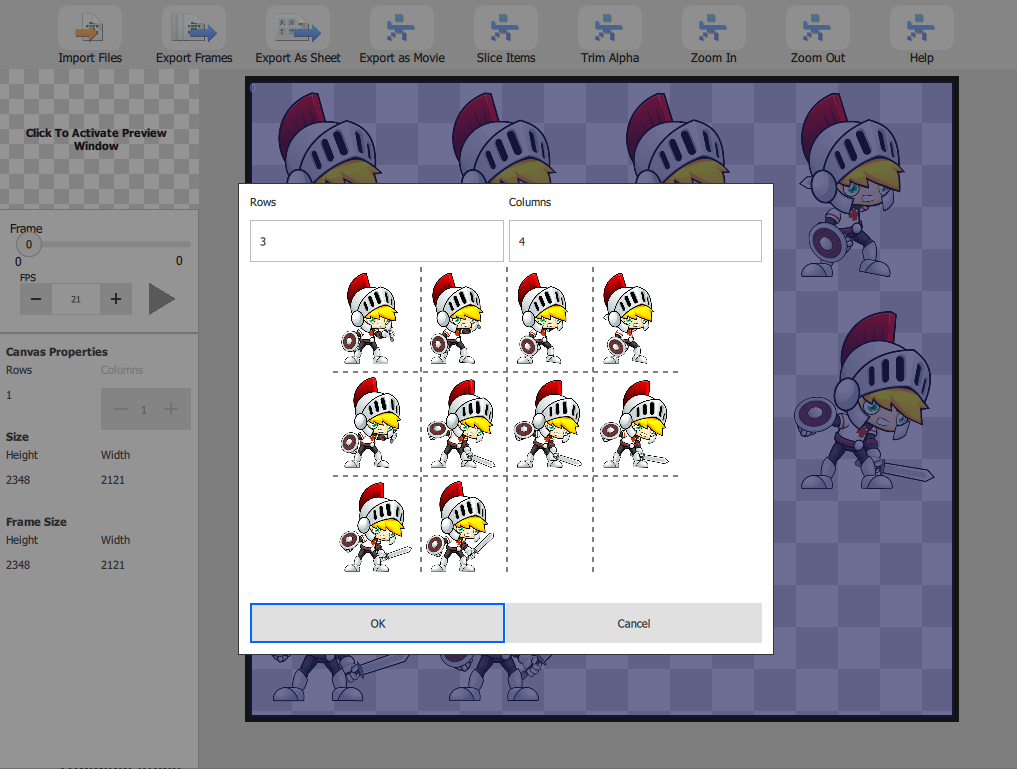
Trimming Alpha
- In the Slash N Forge window, select all frames to trim.
- Hold the Shift + ctrlKey (ctrl on Windows & Linux, command on Apple) + t.
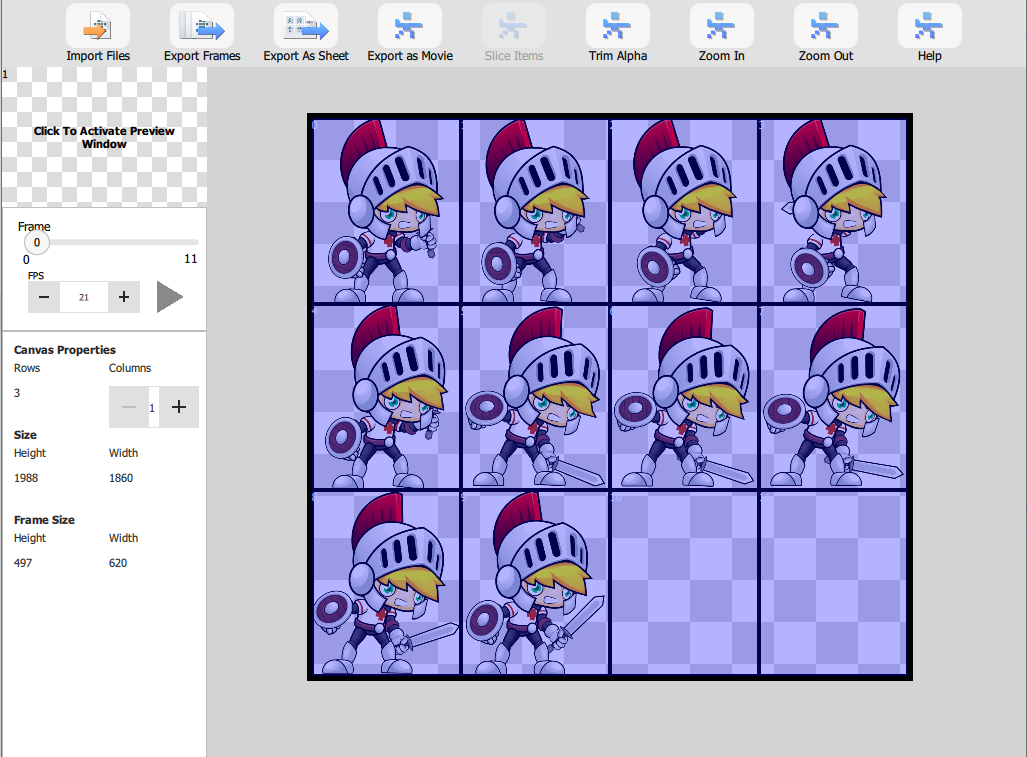
We hope this helped give you learn how easy it is to trim extra transparency using our tool. For more information about how to use the product, visit our Help page.