
You'll need:
- Slash N Forge installed on your device. Check here for the most recent version.
- A file or files in one of the supported formats available on your device.
Importing the files
- In the Slash N Forge window, hold the ctrlKey (ctrl on Windows & Linux, command on Apple) + i.
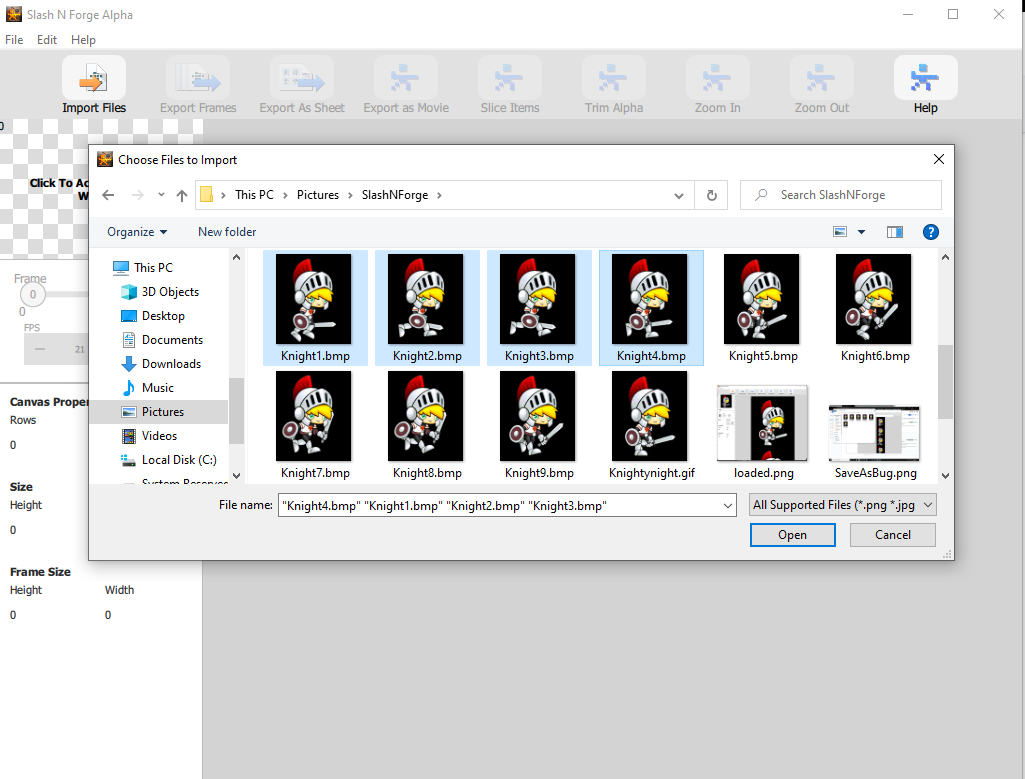
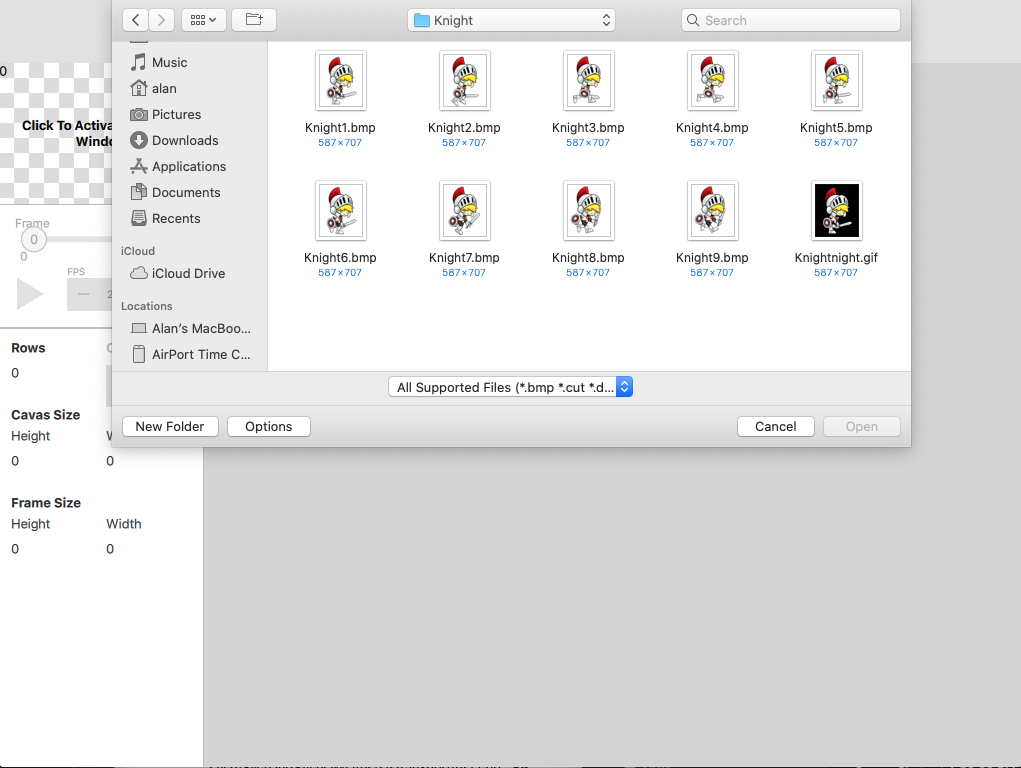
- Choose the supported image files and Click Open. The imported image appears in the canvas.
Windows:
Mac:
Tip: To import multiple images in Windows, highlight the images in the browser window before you click "Open." This preserves order of image files when imported.
We hope this helped give you get started with using our tool. For more information about how to use the product, visit our Help page.